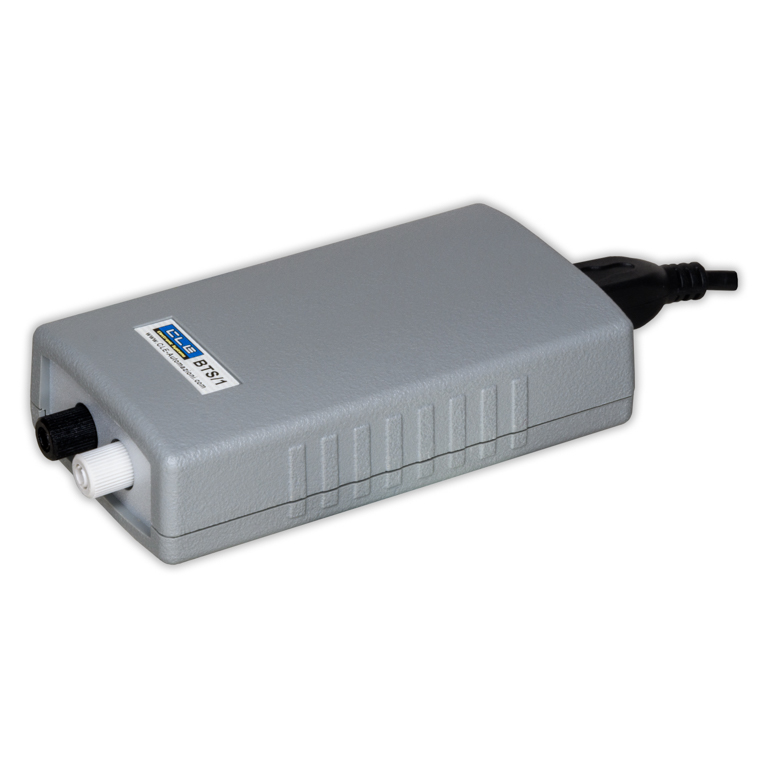
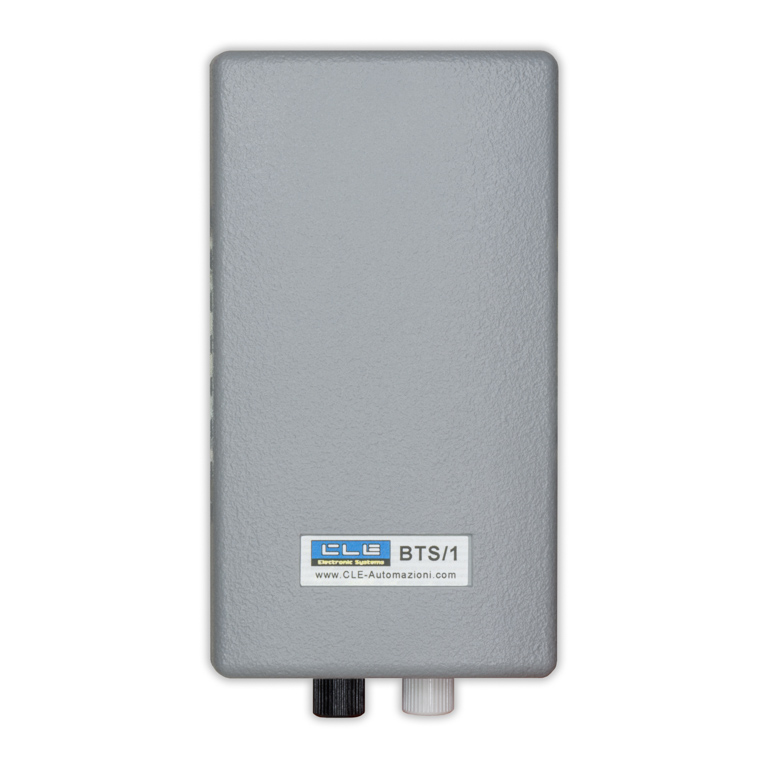
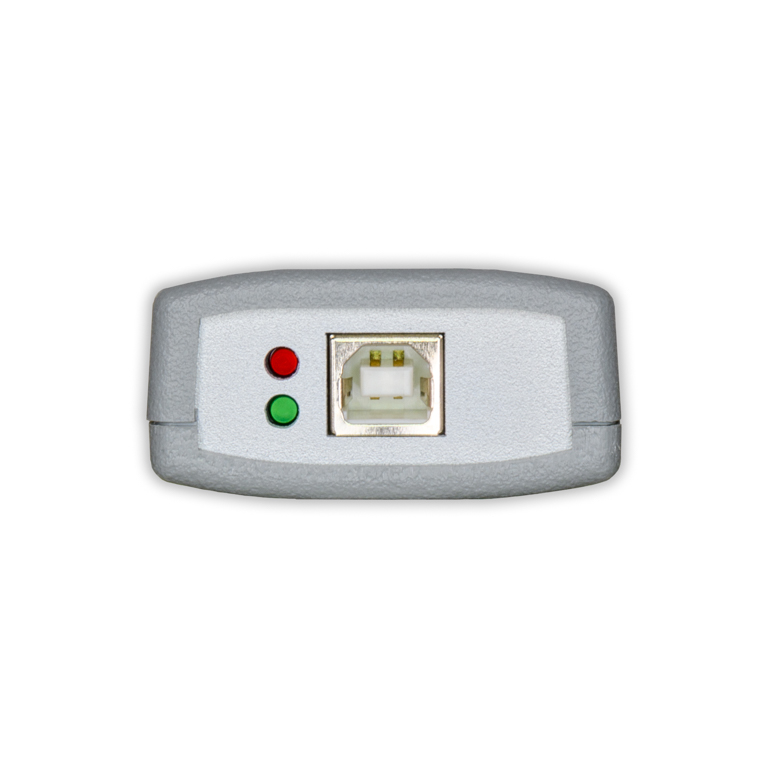
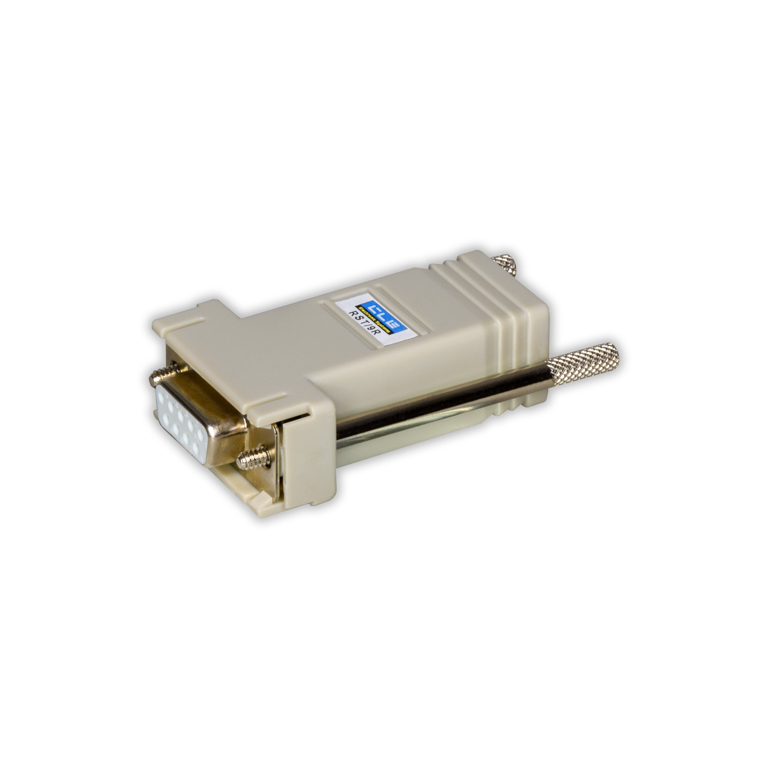
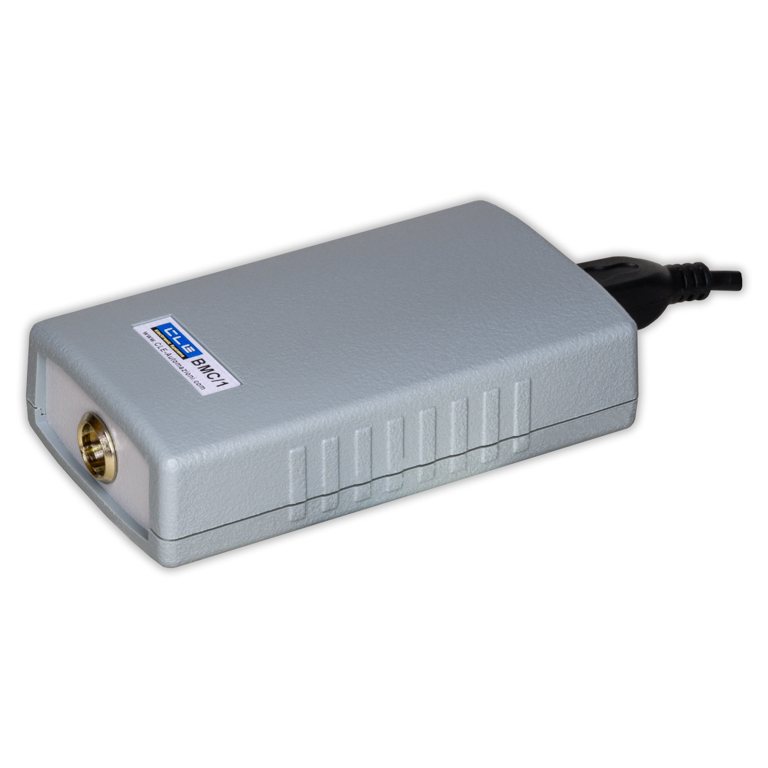
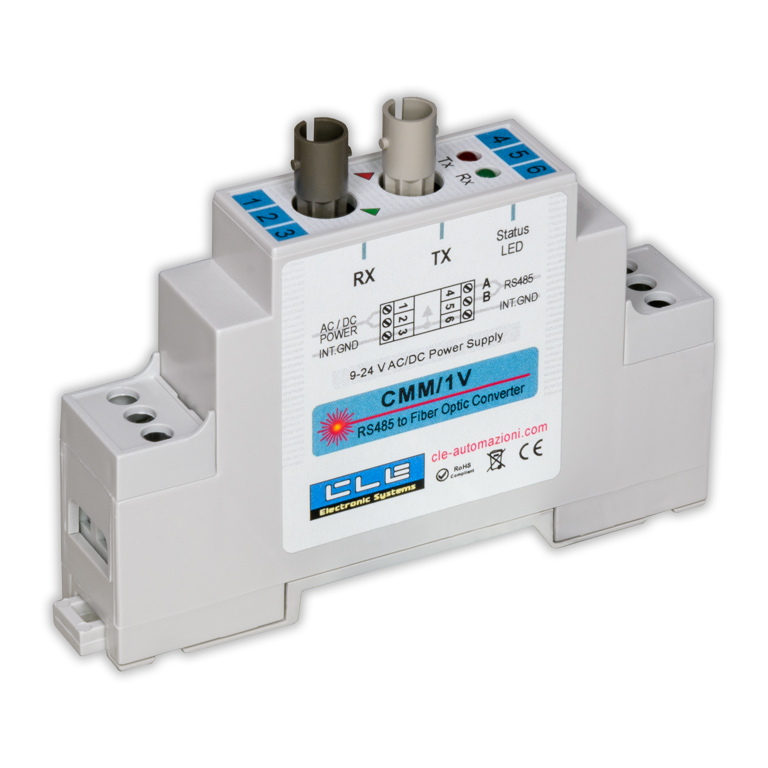
BTS/1 is a USB synthetic optical fiber converter with a screw-type connector, self-powered at 5 V via the USB port. It can be used to connect a PC to an RS485 serial bus. The converter is powered via the USB port, so no external power supply is needed.
The operating system usually recognizes the device and automatically installs the necessary drivers; if not, the drivers can be downloaded from this link. The USB synthetic optical fiber converter appears on the PC as a virtual RS232 port (VCP, Virtual COM Port) and can be used by any program installed on the PC. The USB synthetic optical fiber converter operates in full-duplex mode and automatically detects baud rates up to 250 kbps, so it can be easily installed in any new or existing system.
Use cases
USB converters are typically used to enable a PC to communicate with a serial network via fiber optics.
In a network with heavy electromagnetic interference (which is common in industrial environments) it is good practice to install two or more optical-to-electrical converters to ensure signal integrity. There are also environments where electrical equipment is prohibited, such as swimming pools, saunas, and buildings at risk of fire, where fiber optics therefore become necessary.
Ease of Installation
Multimode synthetic optical fiber has several advantages over glass fiber: for example, it is less expensive and easier to install. It does not need to be terminated. Instead, simply use a sharp utility knife to make a clean cut at the ends.
The maximum recommended transmission distance for synthetic optical fiber is 100 m. As long as you stay within these specifications, use good-quality plastic optical fiber, and maintain appropriate bend radius, simply cut the fiber as indicated. Then simply insert the fiber into the adapter and gently screw the connector on with your fingers, no special tools are needed. There’s no need to over-tighten the connectors, as this risks breaking them or damaging the fiber. This speeds up installation and maintenance, which can even be performed by non-specialized personnel.
In more challenging cases, where a few extra meters can make a difference, or when the fiber is not of the highest quality, it may be necessary to take additional steps to minimize insertion loss. You can polish the ends with fine-grit sandpaper, although this step is not necessary in the vast majority of cases.
With a modern operating system, USB drivers are usually installed automatically once the device is connected to the PC. From a software perspective, therefore, this USB synthetic optical fiber converter is fully Plug & Play. If the PC is unable to communicate with the device, it is often sufficient to install the drivers manually, but we are, of course, available to provide support for resolving configuration issues.
Versatility
The USB synthetic optical fiber converter is available with other combinations of serial and fiber-optic standards, or with different connectors. BTV/1 converter is suitable for glass fiber with a BNC bayonet connector. The BLC/1 and BMC/1 converters, for example, use 3-pin Mini XLR connectors, with isolated and non-isolated RS485, respectively.
BFM/1 and BFC/1 industrial serial converters operate with RS422 standard, using either terminal blocks or 5-pin Mini XLR connectors. All combinations of serial standards, fiber-optic types, and power supply options are available in the catalog; however, special requests (such as higher data rates) can be made via the contact form.